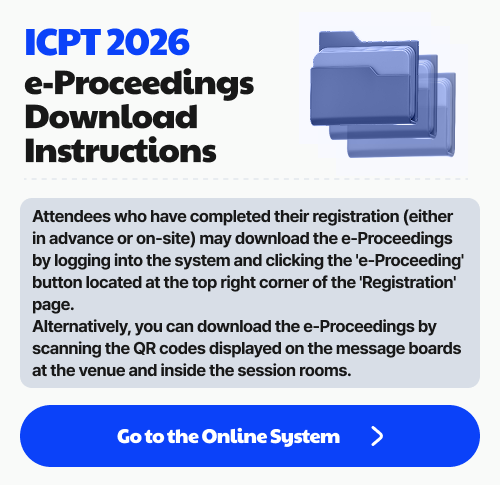



Attendees who have completed their registration (either in advance or on-site) may download the e-Proceedings by logging into the system and clicking the 'e-Proceeding' button located at the top right corner of the 'Registration' page.
Alternatively, you can download the e-Proceedings by scanning the QR codes displayed on the message boards at the venue and inside the session rooms.
Organized by


Sponsored by